
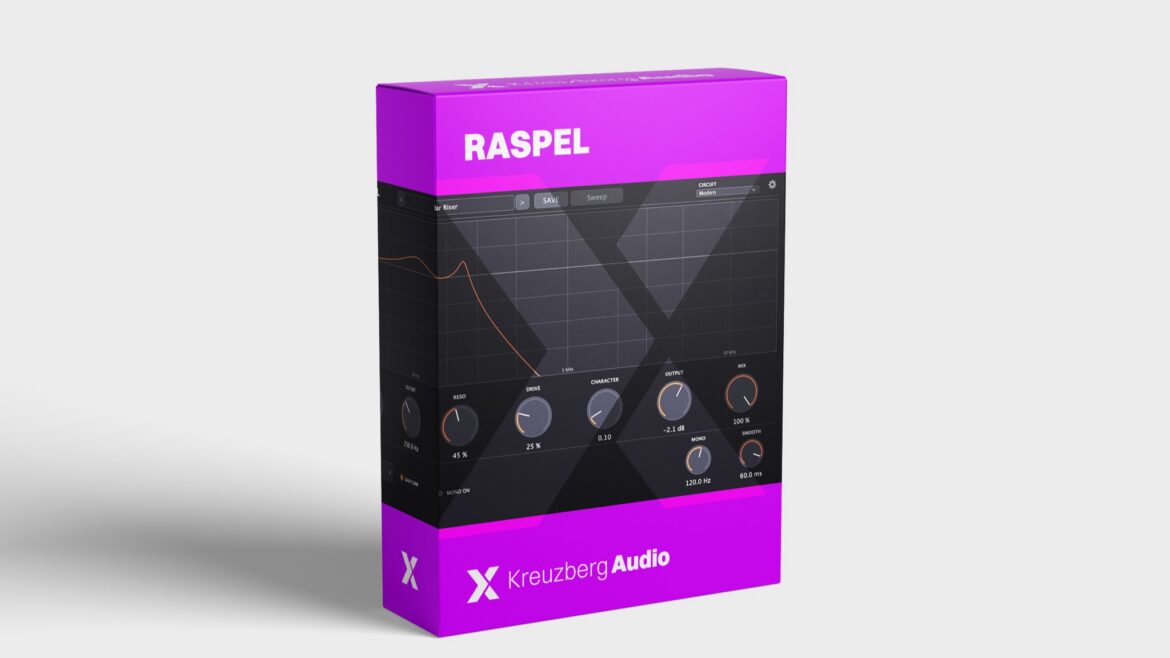
Dirt in, resonance stays. A filter that does not fold under DRIVE.
Filters and distortion do not get along
Put the saturator before the filter, and the dirt ends up exactly where the filter is about to cut it away. Put it after the filter, and the first thing it flattens is the resonant peak. The acid line that was screaming a second ago now sounds like carpet.
So you build workarounds: two plugins, gain matching, more RESO to rescue what the distortion swallowed, then gain matching again because everything is louder now. On the next bassline you start over.
RASPEL turns filter and distortion into one tool. Push RESO and DRIVE up together, and the line gets rough and dirty while keeping its peak.
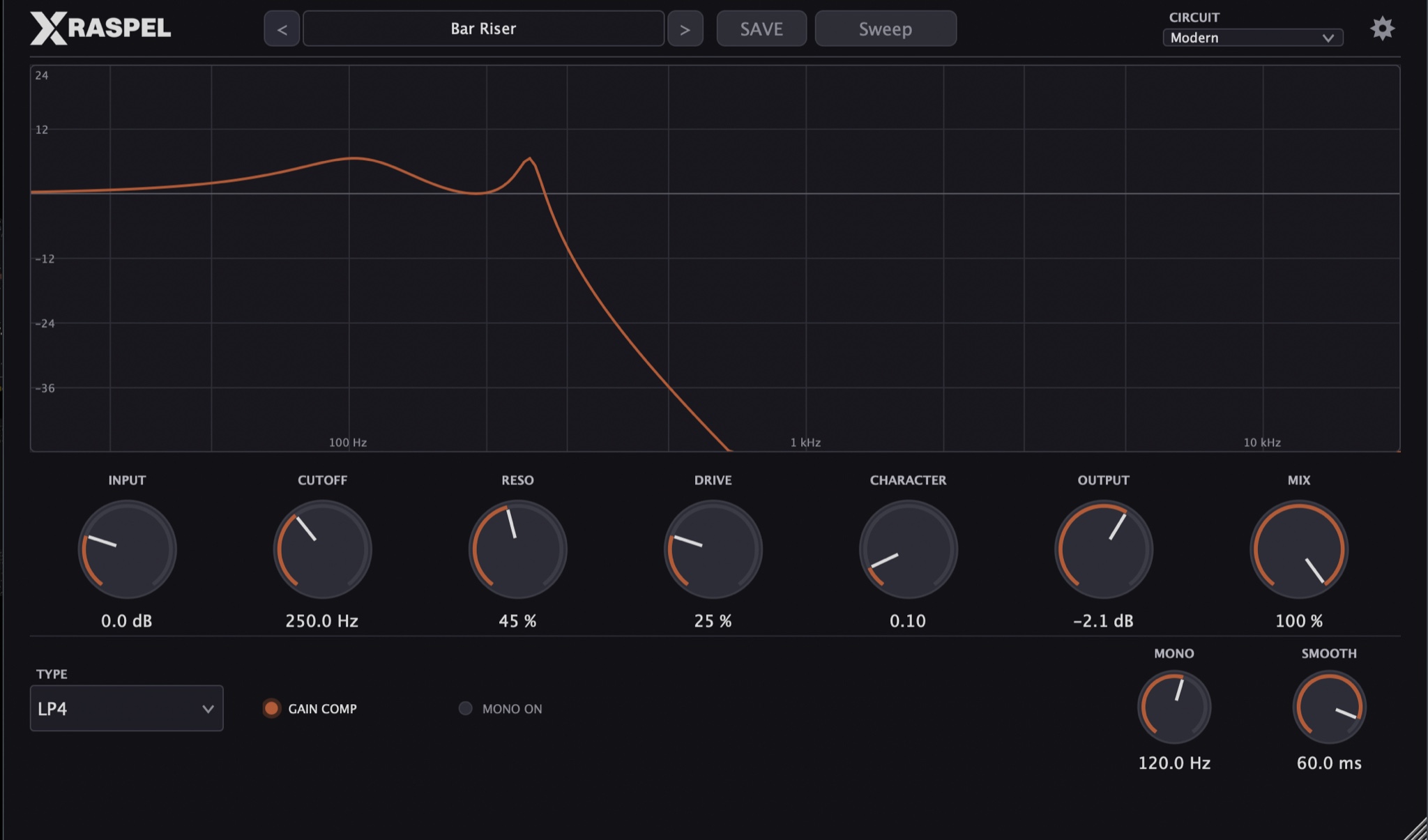
RASPEL with the preset Bar Riser: frequency response on top, INPUT to MIX below, TYPE, GAIN COMP, MONO and SMOOTH at the bottom.
How it works
RASPEL is not a saturator with a filter bolted on, and not a filter with a drive knob that only hits the input. DRIVE saturates the input of every single filter stage, with up to 30 dB of boost in front of the filter that is taken back out afterwards. The filter feedback stays linear. That is why the resonance gets thicker under saturation instead of unstable, even with DRIVE all the way up.
Automatic gain compensation runs all the time. DRIVE makes the sound denser, not just louder, so you judge character instead of volume. With GAIN COMP on, every filter stage also sits at 0 dB in its passband: RESO lifts the peak, not the whole sound. If you want it fatter, switch GAIN COMP off and drive the saturation even harder.
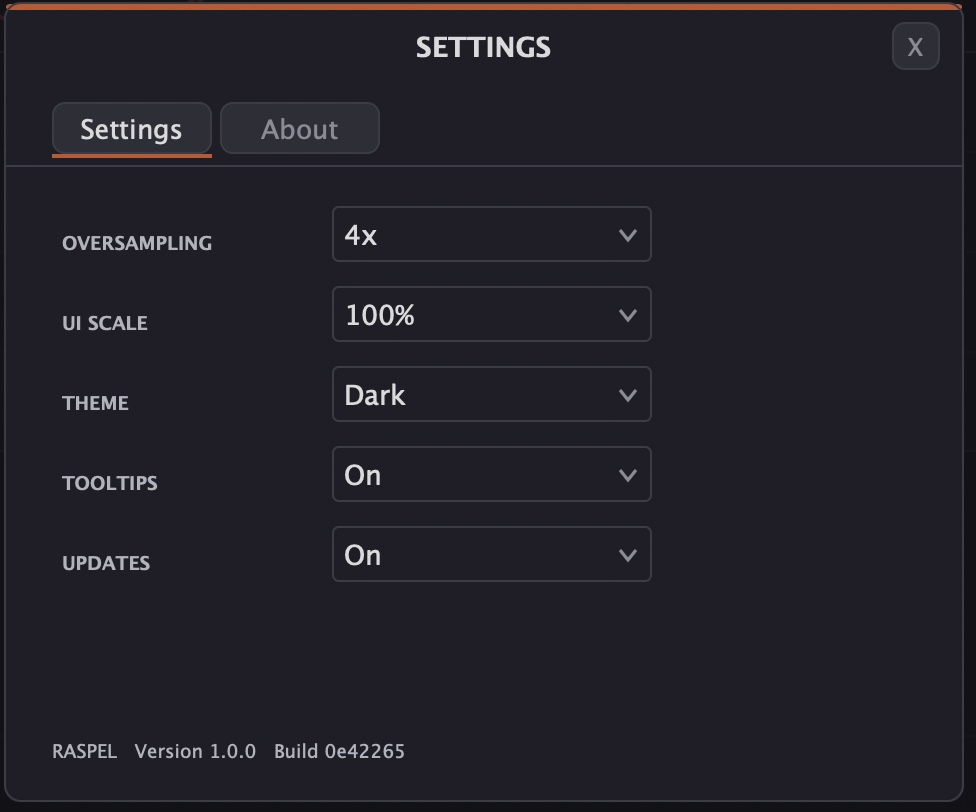
After the filter sits CHARACTER, a wavefolder that folds the signal into new harmonics. Filter, DRIVE and CHARACTER run oversampled, 4x by default and up to 8x for bright signals with heavy distortion. The highs stay clean even while you wreck them.
Six filters, six jobs
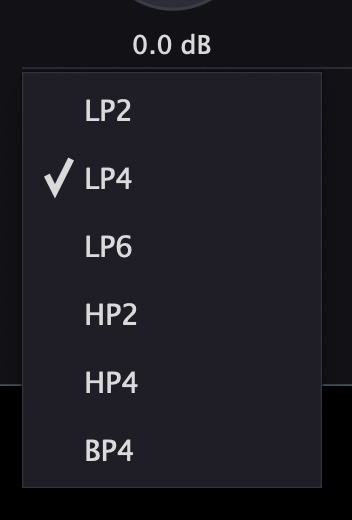
- LP4: 24 dB per octave, the standard for acid and basslines. Drop it on a sixteenth line, CUTOFF around 300 to 600 Hz, RESO 60 to 75%, DRIVE 40%.
- LP2: open and round, for chords, pads and basses that should not go dark.
- LP6: 36 dB per octave, the steepest cut, takes a Reese bass properly dark.
- HP2 and HP4: clear the low end of drum loops for kick and bass, and pull the bass out slowly in a build-up.
- BP4: bandpass for vocal sweeps, telephone sound and percussion.
Changing the type crossfades over 20 ms. You can switch in the middle of a bar, even in the drop, without clicks.
Distortion that reaches the club
CHARACTER gives basses harmonics that stay audible on small speakers. Between 0.1 and 0.3 a sub gains presence without getting thicker. Between 0.4 and 0.6 a round bass turns into a metallic lead. Above that CHARACTER folds hard, for industrial, hardgroove and breaks. At 0 it is fully off and passes the signal bit for bit.
DRIVE goes from warmth on a bus at 20 to 40%, through a strong acid bass at 50 to 70%, to real distortion on drums from 80% up.
Vintage: steps instead of a smooth sweep
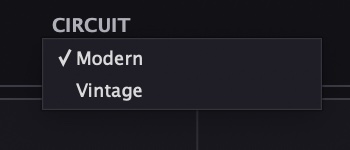
CIRCUIT Vintage snaps the frequency of the filter poles to third-octave steps and the damping to coarser steps, plus a soft limit inside the filter. That is how a filter behaves in an old digital system. You hear it in the bass: a slow sweep below 150 Hz moves in steps, and with resonance the movement turns stepped and slightly rough. That is exactly what sets a sub sweep apart from a smooth software sweep. In the highs Vintage sounds almost like Modern, so your top end stays as it is.
Movement from your DAW
RASPEL has no LFO of its own, all 14 parameters run from your DAW's automation. SMOOTH decides how the filter follows and turns the same automation curve into two different movements.
- Sixteenth acid: LP4, SMOOTH at 3 to 6 ms, automate CUTOFF in steps. The filter jumps hard with every step and the line squelches.
- Build over 16 bars: HP2 on the drum bus, CUTOFF slowly from 20 Hz to a few hundred hertz, SMOOTH long. In the drop the filter snaps back and the kick is there again.
- Drop and breakdown: push DRIVE and CHARACTER up in the drop, pull them back in the breakdown.
- Fade in: MIX from 0 to 100% over the build-up, and the effect grows into the signal.
Parallel and mono, without phase trouble
MIX is true parallel processing. The dry signal is tapped before INPUT and delayed to stay in time, so no comb filtering appears. MIX at 50% with lots of DRIVE is the fastest parallel distortion there is: kick or snare keep their punch and the saturation sits underneath.
MONO puts everything below the set frequency in the center, with zero latency and phase compensated. On bass and kick bus at 100 to 140 Hz the sub stays in the middle while the width above it survives. Because MONO sits at the end of the chain, it also acts on the dry signal.
50 factory presets in four banks
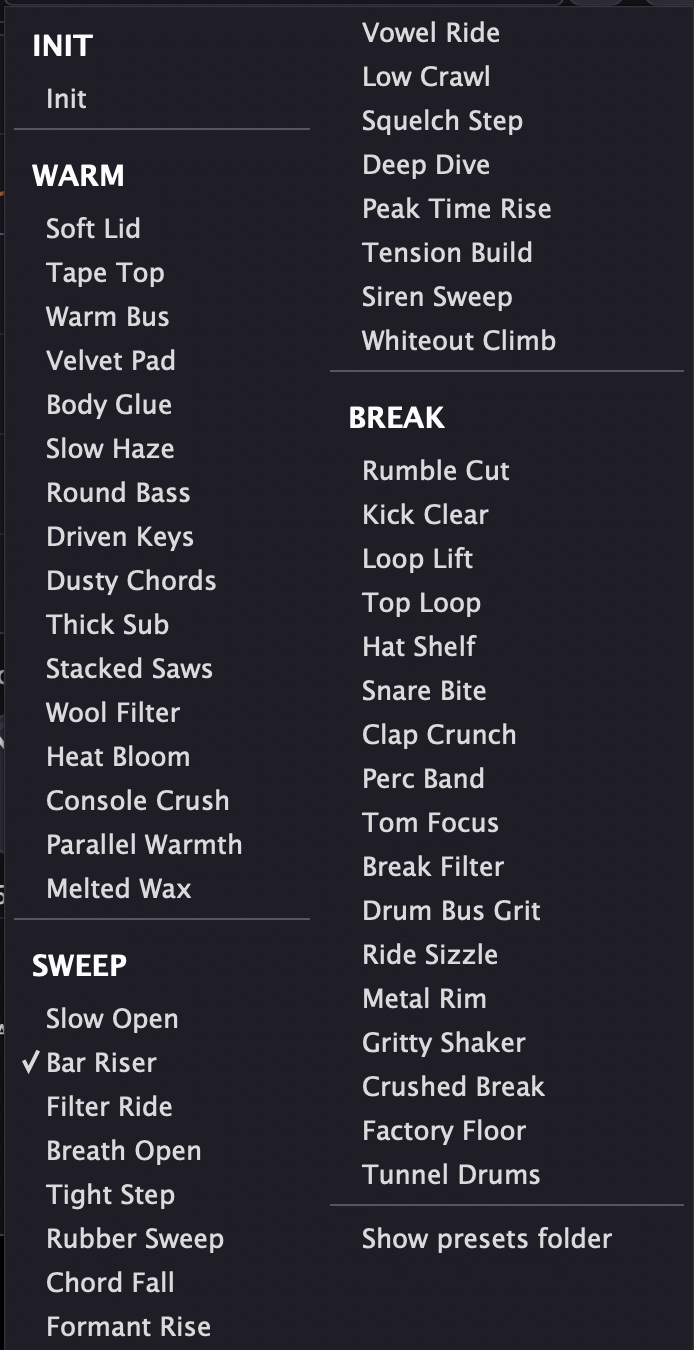
All presets are matched to the same level, within 1 dB. Browsing does not make the volume jump, so you hear what a preset does instead of just hearing it louder.
- Init (1): the neutral starting point, filter open, no saturation.
- Warm (16): warmth and saturation for buses, pads, chords and basses, from Soft Lid to Melted Wax. The bass presets switch the mono maker on, Parallel Warmth shows parallel distortion.
- Sweep (16): starting points for filter moves, CUTOFF low and SMOOTH matched to the speed of the move. Short for stepped sixteenths like Squelch Step, long for builds like Bar Riser and Tension Build, vocal with Formant Rise and Vowel Ride.
- Break (17): highpasses and bandpasses for drums, loops and percussion, from a clean Kick Clear to the wrecked Crushed Break and Factory Floor.
You can save your own presets into any bank, they go to your Documents folder.
Technical highlights
- Six filter types: LP2, LP4, LP6, HP2, HP4 and BP4, 20 ms crossfade when switching
- Saturation at the input of every filter stage, linear feedback, automatic gain compensation
- CHARACTER wavefolder after the filter, bit-transparent at 0
- CIRCUIT Modern and Vintage
- Oversampling 1x, 2x, 4x and 8x
- Zero-latency mono maker, 20 to 500 Hz
- Time-aligned parallel MIX, no comb filtering
- 14 automatable parameters, SMOOTH from 1 to 100 ms
- 50 factory presets, level matched within 1 dB
- Reported latency at 48 kHz: 59, 108, 120 and 124 samples for 1x to 8x
- 64-bit processing when the host offers it
The latency comes from the oversampling and a band limit at 19.5 kHz that is always in the signal path. RASPEL reports it cleanly to your DAW, and it only changes when you change OVERSAMPLING. A bounce sounds the same on every pass.
Formats & Systems
Formats: VST3, AU (macOS), CLAP, standalone
Systems: macOS 11 Big Sur or newer (Universal Binary, Intel and Apple Silicon), Windows (64 bit), Linux x86_64 from Ubuntu 22.04
Made in Berlin
RASPEL was developed entirely in Berlin. The DSP is based on JUCE, filter core, saturation and wavefolder are written from scratch. No white label, no generic toolkit filter. Our secret weapon is the fun of getting the details right.
Tools by producers, for producers.
Free download
RASPEL is free. No serial number, no activation, no demo limits: download, install, go.
Price: free download